

GERM CAMERA 2026.9
Official site: www.siainc.jp/apps/en/baikin-cameraMake toothbrushing playful

Screenshots
Description
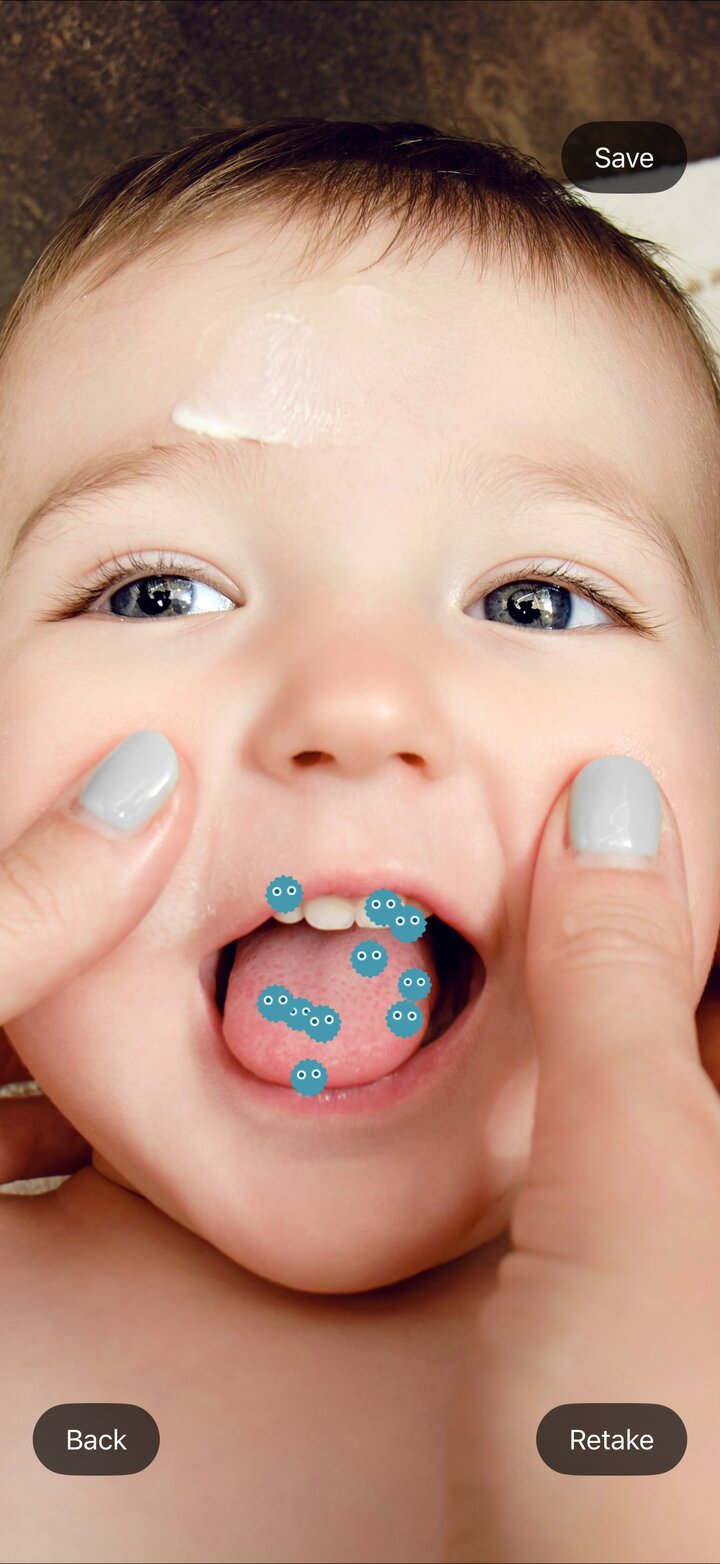
GERM CAMERA (BUG CAMERA on the Japanese App Store) adds pretend germ characters to photos of a child's mouth, hands or face, giving families a playful way to talk about toothbrushing and hand washing. Show the germs before brushing to spark a "let's clean them up" feeling, then take a sparkly photo afterwards to celebrate the effort. First released in 2014 and renewed in 2021, the app was completely rebuilt as version 2.0 in September 2026. It has been downloaded 25,000 times (as of September 2026, Japanese App Store).
*The germs shown on screen are fictional characters created for this app. Characters and sparkles are visual effects. The app does not detect or diagnose real germs, plaque, cavities or missed areas, and does not assess how well teeth have been brushed.
Key Features
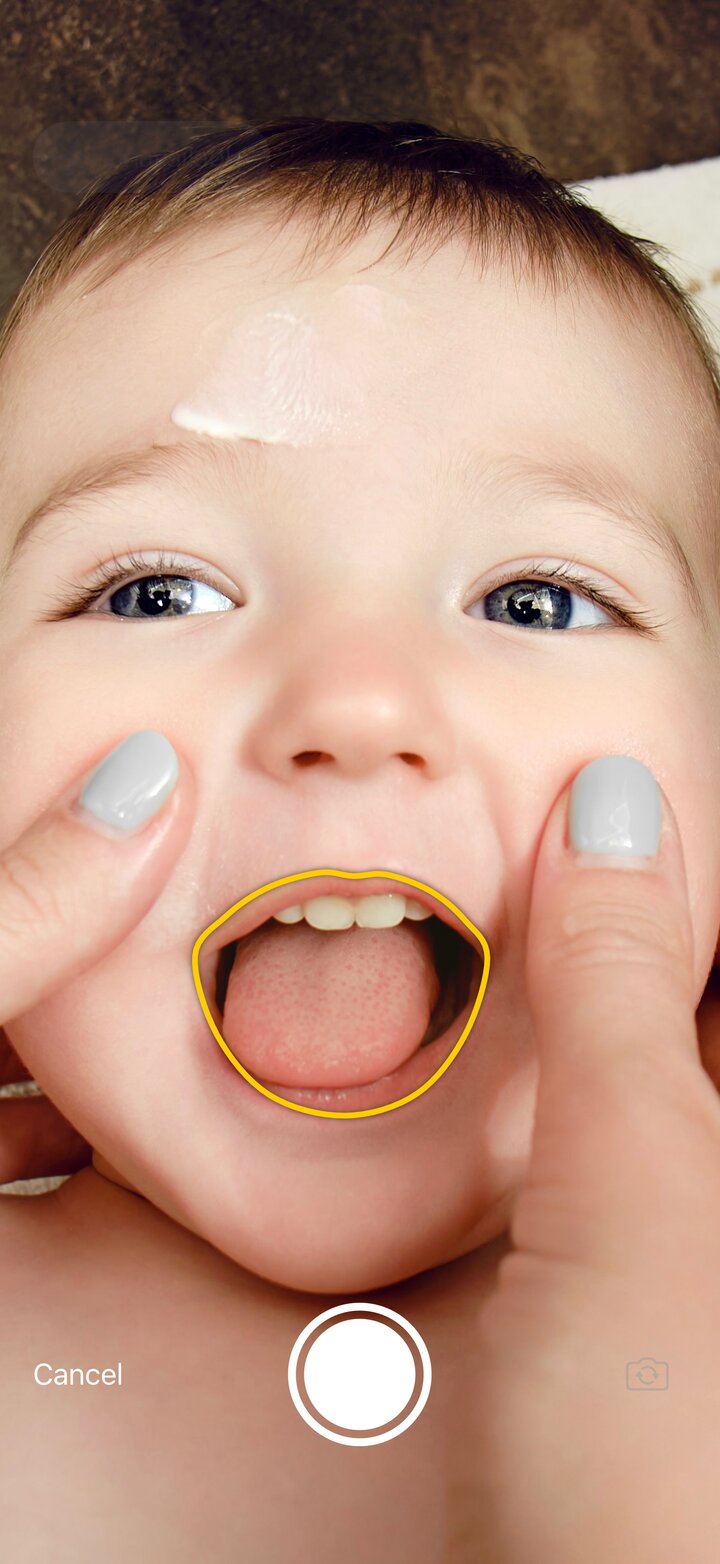
- Automatic mouth, hand and face detection — Using iOS image recognition, the app outlines the mouth, hands or face before you take the photo and places the germ characters within that area afterwards
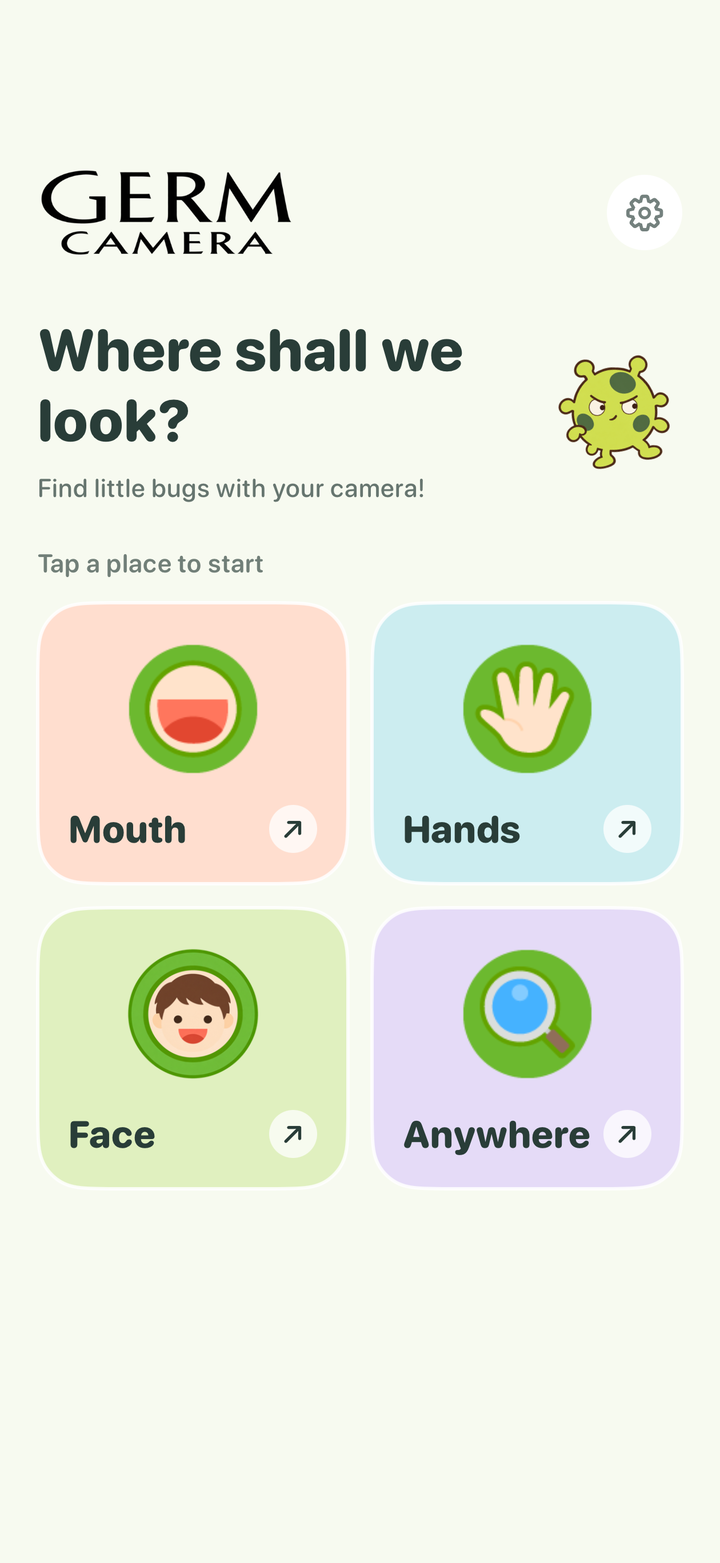
- Four modes — Mouth, Hand (both hands supported), Face, and Whole picture
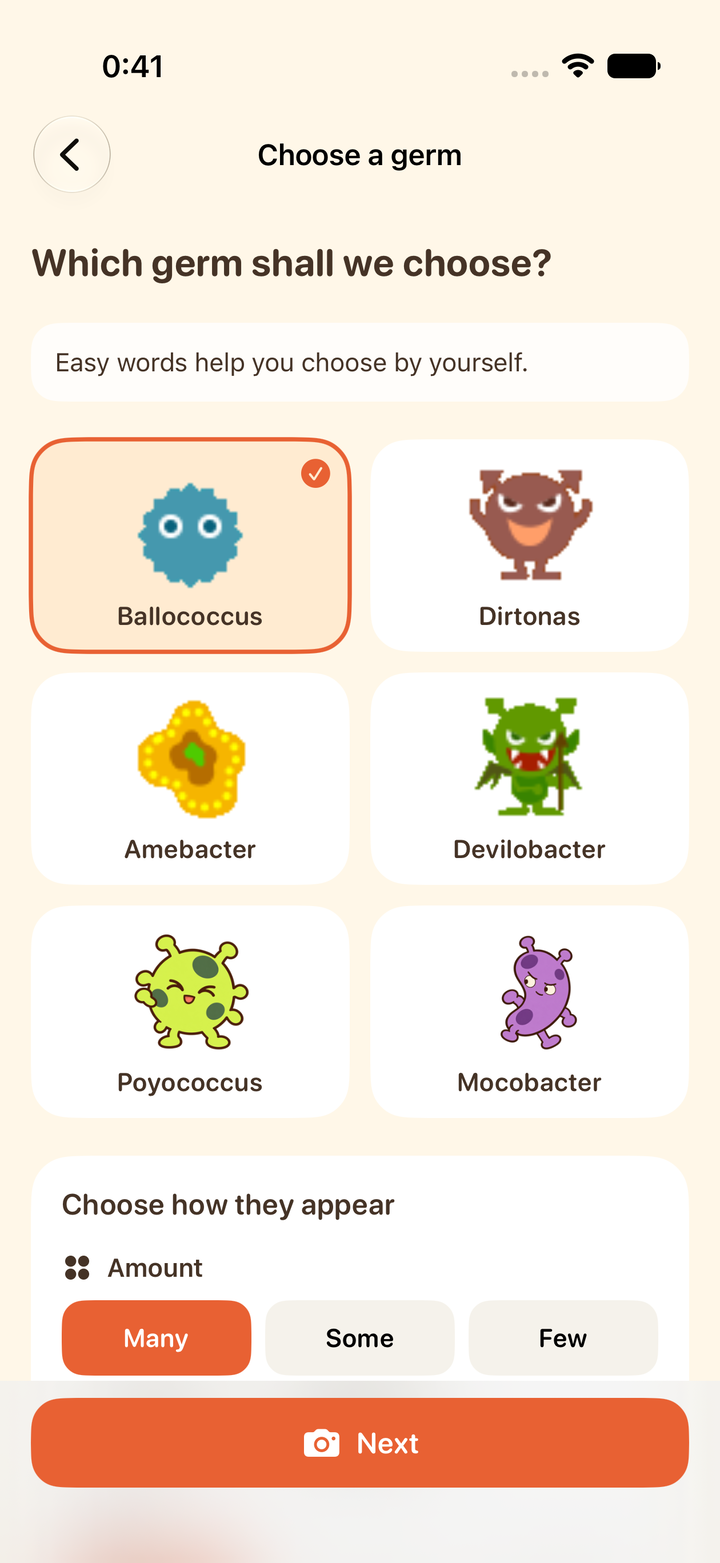
- Six germ characters — Ballococcus, Dirtonas, Amebacter and Devilobacter, joined in 2.0 by Poyococcus and Mocobacter. All of them are fictional
- Sparkles — For a "well done" photo after a good brushing
- Wording for children and for adults — The child setting uses simple wording that younger readers can choose from; the adult setting uses everyday wording for parents and teachers who set up and operate the app, and lets you adjust the type, number, size and movement of the germs
- 17 languages — Follows your device settings automatically, or choose manually in the app
- Save or retake photos, flash (off / auto / on) and front / rear camera switching, multiple app icons
System Requirements
- iPhone with iOS 15 or later
- Distributed on the App Store in 175 countries and regions as GERM CAMERA (BUG CAMERA in Japan)
- Languages: English, Japanese, Simplified Chinese, Traditional Chinese, Korean, Spanish, Portuguese (Brazil), French, German, Italian, Hindi, Indonesian, Arabic, Russian, Turkish, Vietnamese, Thai
How It Works
- On the home screen, choose where to look: mouth, hand, face or whole picture.
- Pick the germ characters and their number, size and movement (or sparkles after brushing).
- When the camera detects the mouth or hands and shows the outline, take the photo.
- The germs appear where they were detected. Look at the picture together, say "let's brush them away," and save or retake the photo.
Recommended For
- Parents whose children resist brushing or hand washing
- Families who find that showing something on screen works better than words
- Nurseries and kindergartens where a teacher sets up the app and uses it with the children (the adult wording is designed for this)
Price
The app is free and all features are available. The adult settings include optional in-app purchases (individual and organizational tips) to support development. Tips are entirely optional; the app works the same whether or not you purchase one.
FAQ
Q. Does it detect real germs?
A. No. The characters and sparkles are visual effects. The app does not detect or diagnose real germs, plaque, cavities or missed areas, and does not assess how well teeth have been brushed.
Q. Why is the app called BUG CAMERA in Japan?
A. That is its name on the Japanese App Store. Outside Japan it is distributed as GERM CAMERA.
Q. What changed in version 2.0?
A. Automatic mouth, hand and face detection, 17 languages, two new characters, child / adult wording, and a completely rebuilt interface.
Q. Can it be used in a classroom?
A. Yes. With the adult wording, a teacher can set the type, number, size and movement of the germs and use the app with the children.
Q. Where can I get it?
A. It is a free download on the App Store.
Release Notes
-
Version 2.0.2 introduces a redesigned interface for family camera play.
- Support for 17 languages with an in-app language selector.
- Switch between simple wording and adult wording.
- New characters, app icons and sparkle artwork.
- Improved photo alignment and orientation handling.
Reviews
Report an issueYour positive feedback and words of encouragement motivate us to keep improving and developing new features. We look forward to your kind comments!
No reviews yet. Be the first to write one!